
Getting started
This page takes a new user from signing up to the first question about their advertising data. The words it uses — organization, connection, profile, group — are explained in Concepts.
Before you start
You need an Amazon Ads login with access to the advertising accounts you want to analyse. To read orders as well, you also need an Amazon seller account (see Connections).
The way from sign-up to the first answer:
- Create an account on the Selltics SSO pages.
- Get your personal organization and its signup credit.
- Connect Amazon Ads in the management dashboard.
- Register your profiles.
- Wait for the data to arrive.
- Link a Telegram chat and ask the AI analyst.
1. Create an account
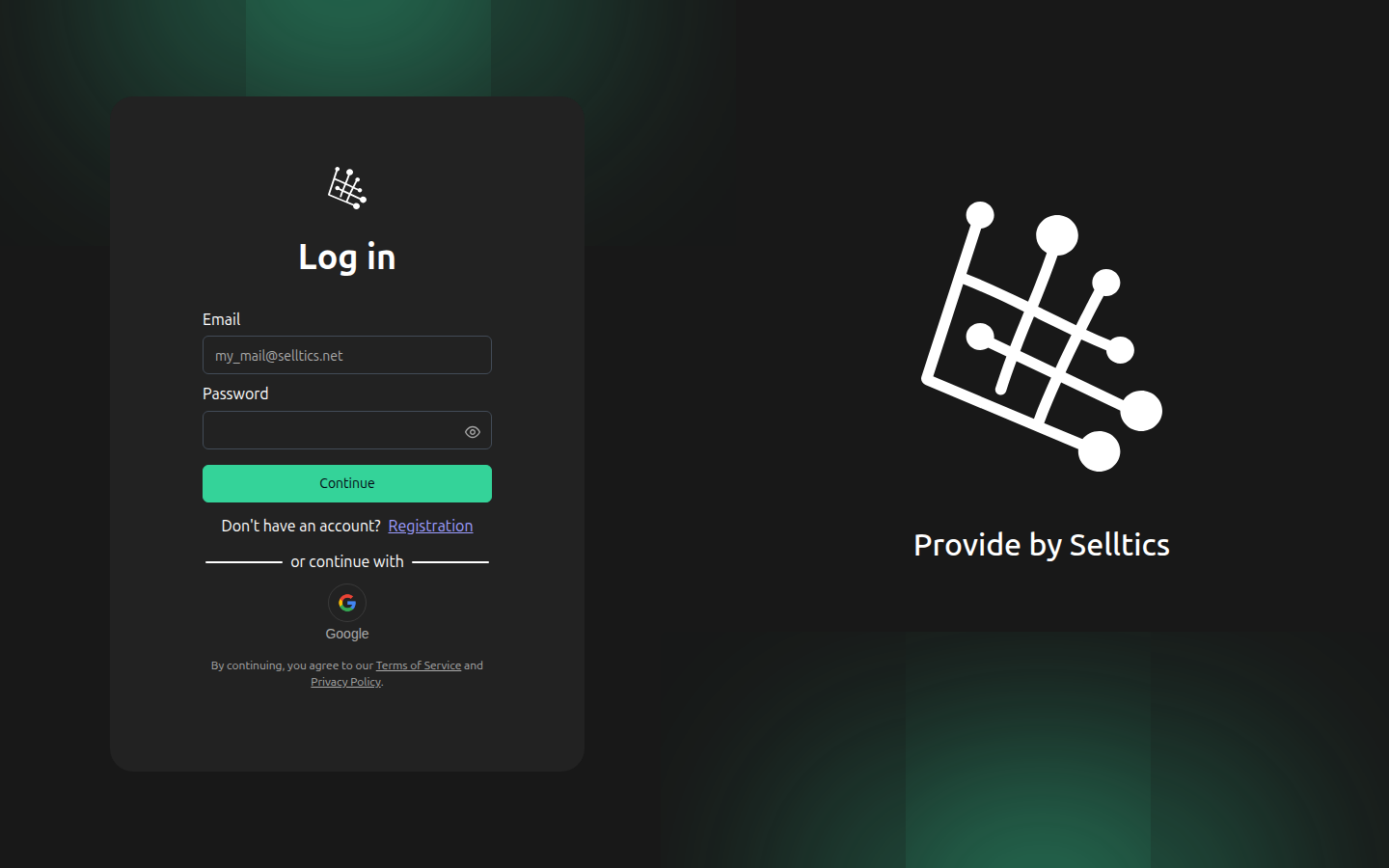
Sign-up and sign-in happen on the Selltics SSO pages. The sign-in form takes an email and a password, or offers Google:
Registration asks for a first name, a last name, an email and a password:
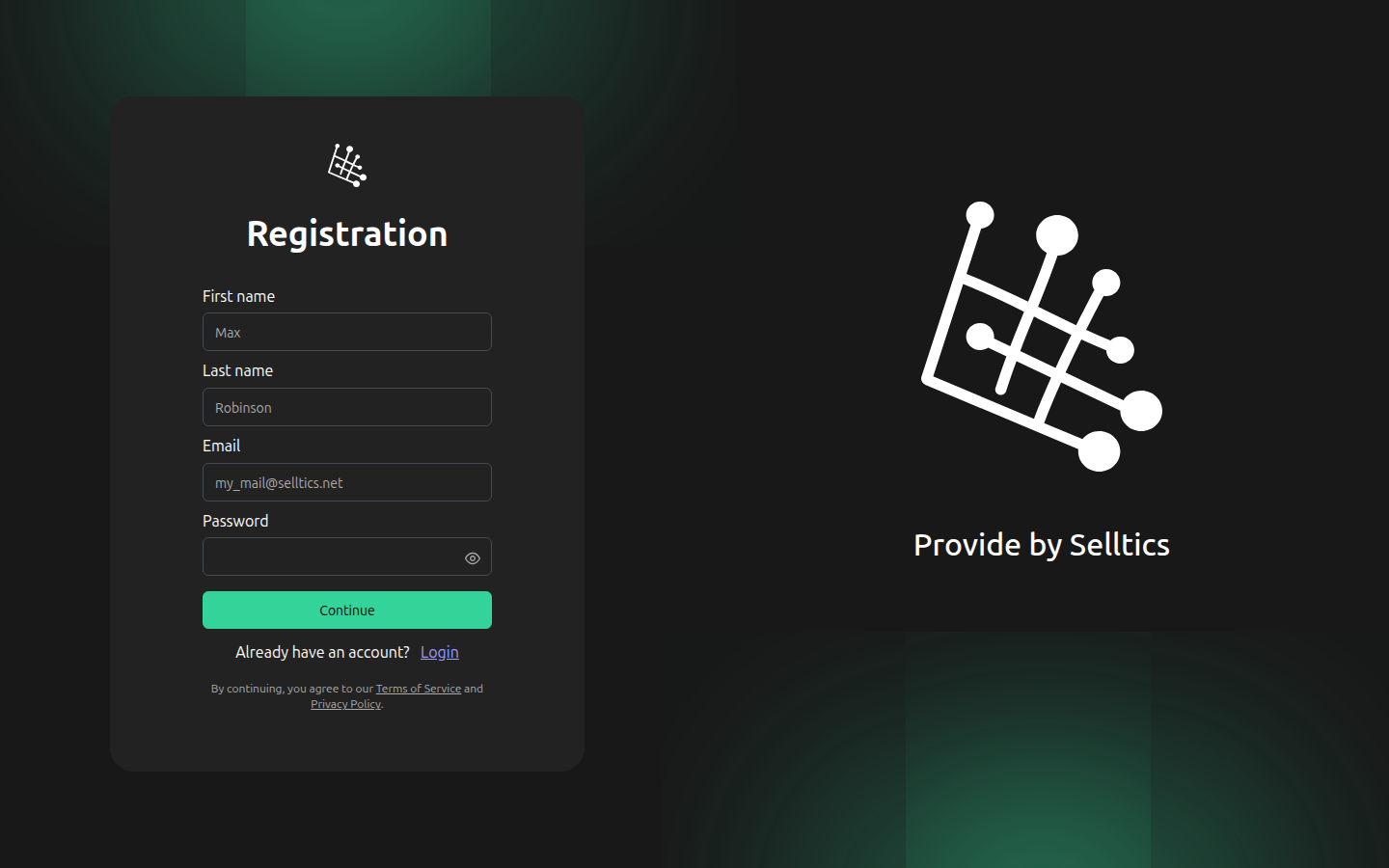
What the forms accept today:
- the password must be 8 to 50 characters long;
- names and the password may not contain Cyrillic letters;
- a captcha may have to be solved before Continue becomes active.
Short passwords
The form itself lets 4 or more characters through and shows "must have 8 characters or more" only below 4, so a password of 4 to 7 characters is refused by the server after Continue.
There is no "forgot password" page: the SSO site has only sign-in, registration and invitation pages.
2. Your organization and its first $5
Registering creates your personal organization — called "Personal" until it is renamed — with you as its owner. It starts on the Single plan and receives a one-time $5.00 signup credit on its balance.
One-time credit
Nothing else is credited automatically, ever: see Billing.
After signing in you land on the home page of the management dashboard. It shows:
- the organization you act in;
- what needs attention;
- the balance;
- one card per section.
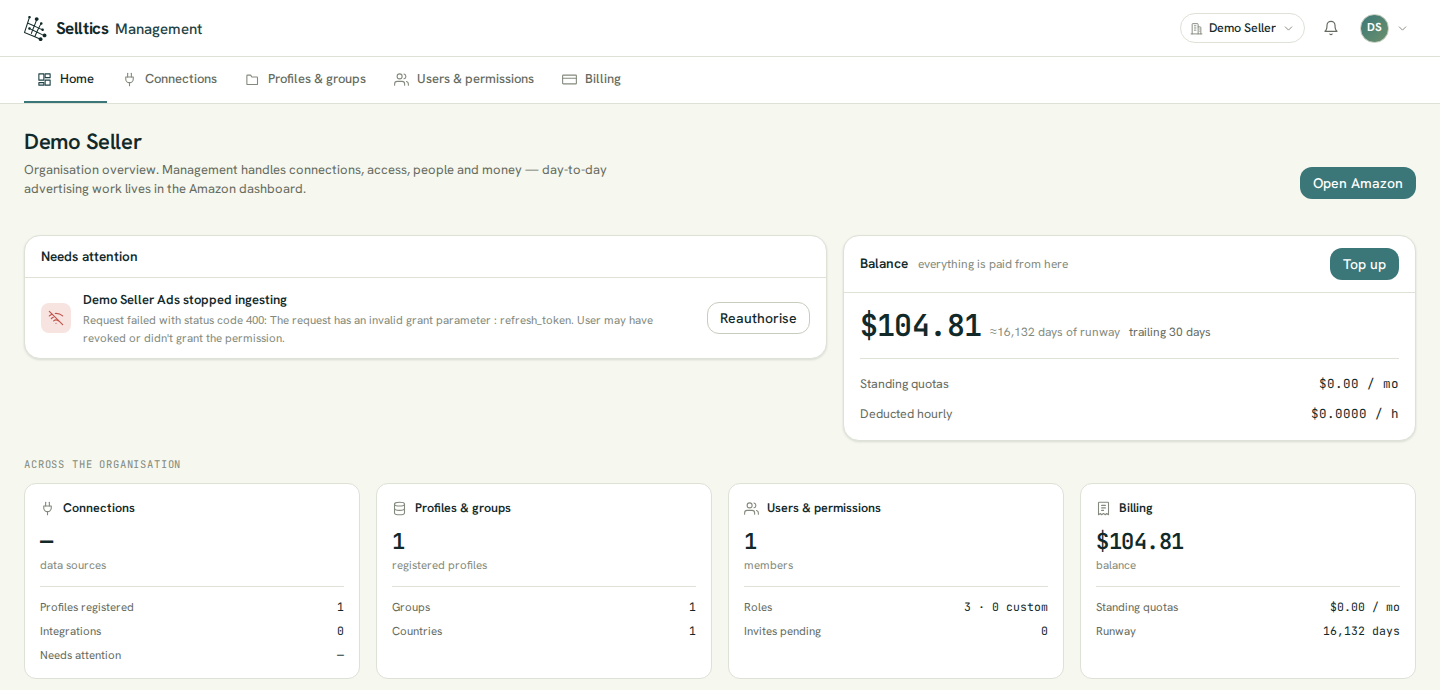
A figure the dashboard could not read is shown as a dash, never as 0. Members, roles and invitations are on Organization.
3. Connect Amazon Ads
- Open Connections → Data sources → Connect data source → Amazon Ads.
- Pick the Amazon region your advertising account lives in — Europe, North America or Far East.
- Optionally name the connection.
- Continue to Amazon takes you to Amazon's consent screen.
When you come back, the connection is listed under Amazon Ads. Details: Connections.
4. Register your profiles
Connecting does not register any profile: Amazon's consent carries no account list, so a new connection reads nothing until you pick its profiles.
- Selltics opens the profile picker for you after the first connect; you can also open it from Profiles & groups → Register profiles.
- One row is one advertising profile in one marketplace.
- You choose a group for them, or create the first group right there.
The first registered profile is free; each further one is billed by the hour (see Billing).
5. When the data arrives
Selltics reads Amazon Ads performance data from Amazon's Marketing Stream and picks it up every 30 minutes. Only data Amazon delivers after the stream starts is collected; earlier history is not imported.
Stream not started
Registering a profile does not start the stream by itself. The dashboards have no button for it today — the stream is started through a separate Selltics API call. Until it runs, the AI analyst can still read your current campaigns, ad groups, targets, ads and portfolios live from Amazon, but questions about past performance have no data to answer from.
6. Ask the first question
Answers come from the AI analyst in Telegram:
- In Connections → Integrations press Link a Telegram chat.
- Open the one-time link it shows (valid for 15 minutes).
- Press Start in Telegram.
- Ask in plain language, for example "How did my campaigns do last week?".
See AI analyst.
The Amazon dashboard, opened from Open Amazon on the home page, holds the profile selector and the scheduled portfolio budget changes: see Amazon dashboard.