Use with AI
These docs are built for AI assistants as well as for people: an MCP server, llms.txt and a Markdown copy of every page.
Public, no key
Everything on this page is public: no account, token or API key is needed, and only the public documentation — the pages of this site — is exposed.
MCP server
The documentation is served as a Model Context Protocol server:
https://docs.selltics.net/mcp- It is a stateless Streamable HTTP endpoint (MCP revision 2026-07-28, with the 2025 handshake still accepted).
- No authentication.
- Its server card is at
https://docs.selltics.net/.well-known/mcp/server-card.json.
Tools
search_docs— full-text search over the public docs.- Takes
query, optionallocale(enorru),layer(domainorbusiness) andlimit(default 8, max 25). - Returns title, URL, section, language, layer, a snippet and a score per hit.
- Takes
get_page— returns the Markdown source of one page by its URL — absolute or site-relative, with or without the trailing slash.list_sections— lists the documentation sections with their layer, landing page URL and page count; optionallocale.
Connect a client
Any client that understands add-mcp
npx add-mcp https://docs.selltics.net/mcpClaude Code
claude mcp add --transport http selltics-docs https://docs.selltics.net/mcpclaude.ai
Open Settings → Connectors → Add custom connector, paste https://docs.selltics.net/mcp as the URL and leave the authentication fields empty.
Cursor
Add the server to .cursor/mcp.json in your project (or to the global ~/.cursor/mcp.json):
{
  "mcpServers": {
    "selltics-docs": {
      "url": "https://docs.selltics.net/mcp"
    }
  }
}
Other clients
Any other client that supports remote HTTP MCP servers only needs the URL.
llms.txt
https://docs.selltics.net/llms.txt— an index of every public page in both languages with a one-line description, following the llms.txt convention. Pages are grouped by layer:- Domain (the market and its vocabulary);
- Business (what Selltics does and the rules it follows).
https://docs.selltics.net/llms-full.txt— the full text of the public documentation in one file.
Markdown copies
Every page is also published as plain Markdown: take the page URL, drop the trailing slash and append .md.
- This page is
https://docs.selltics.net/external/use-with-ai.md. - The FAQ is
https://docs.selltics.net/external/faq.md. - The Russian pages follow the same rule under
/ru/. - The
get_pagetool returns the same source.
Ask for citations
Answers stay grounded when your assistant cites the page it read; ask it to.
Questions about your own data
Documentation only
The MCP server and the files above carry documentation only: no account, organization or advertising data ever passes through them.
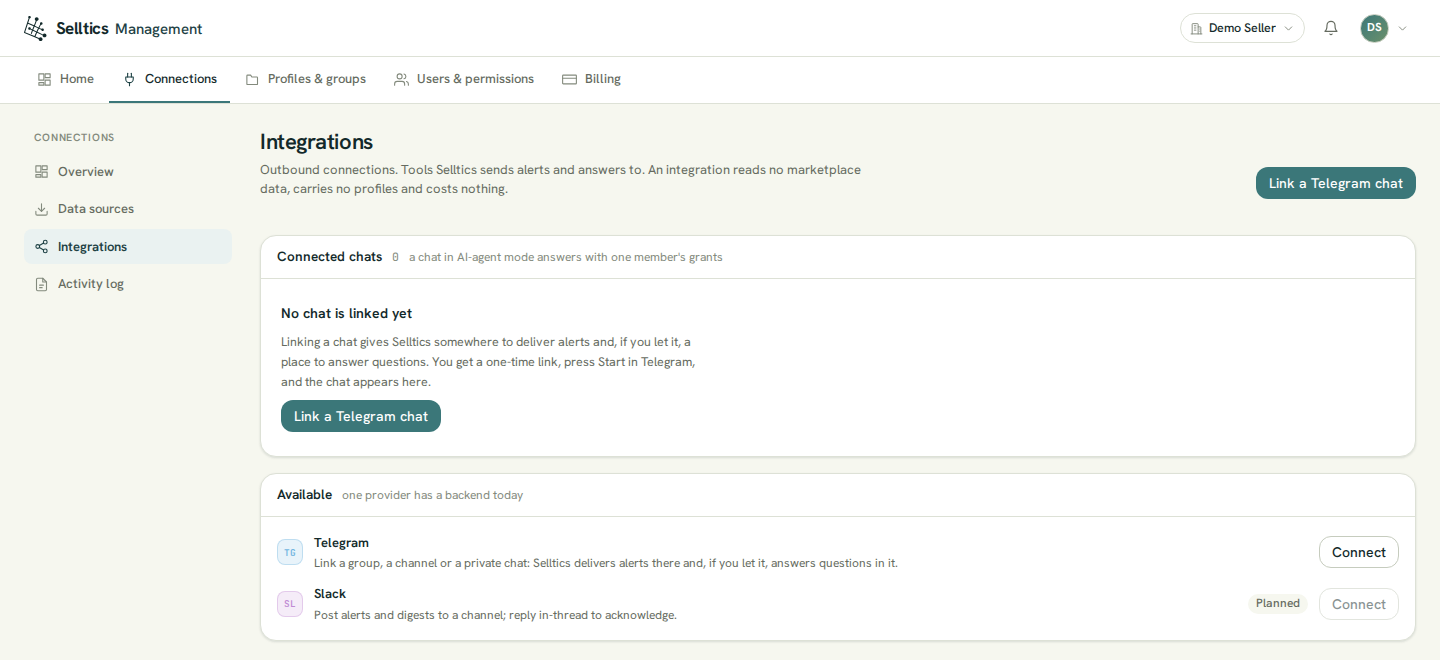
To ask about your own advertising and orders, use the AI analyst, the Selltics bot in Telegram. You link a chat to your organization in Connections → Integrations of the management dashboard: